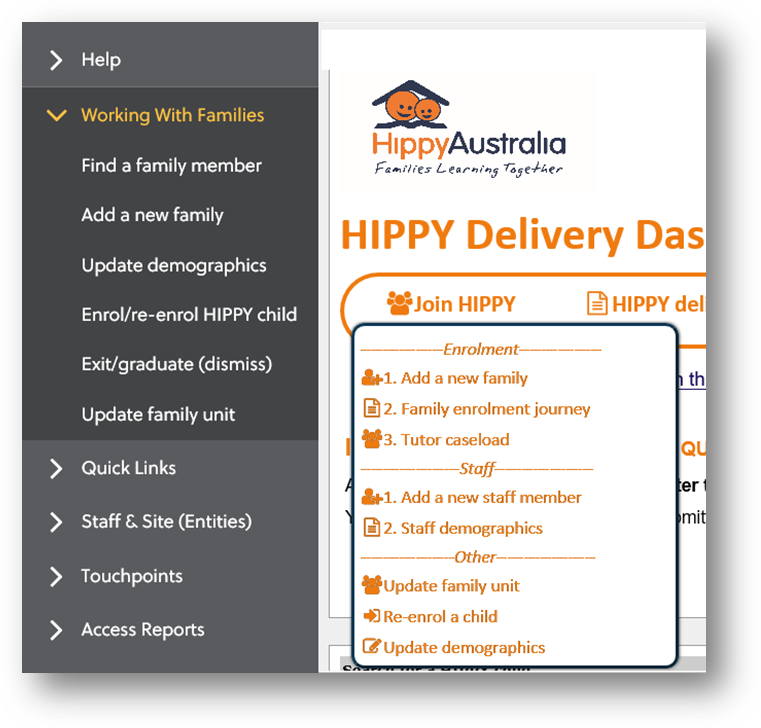
Make sure you have a copy of the enrolment form with the details of the participant being added to the family unit on hand so that you can complete the last part of this process. Go to Join HIPPY on your dashboard, or Working with Families on the navigation side bar and choose Update Family Unit.
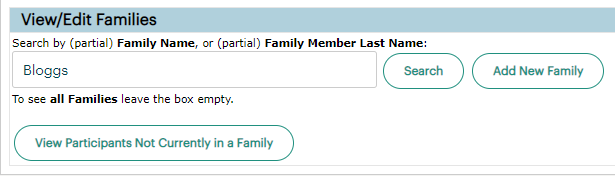
 Search for the family’s last name, or just click Search and choose from the list of all families. This is useful if the parent/carer and child have different last names and you don't know what the family unit name is.
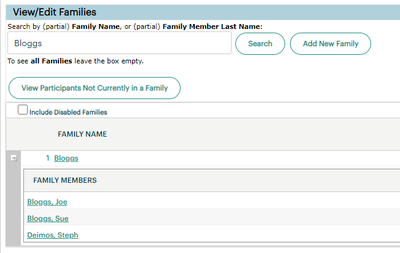
Click on the family name. If there are multiple families with the same name and you're not sure which is the right one, click the plus sign (+) to see which participants are in each family unit.
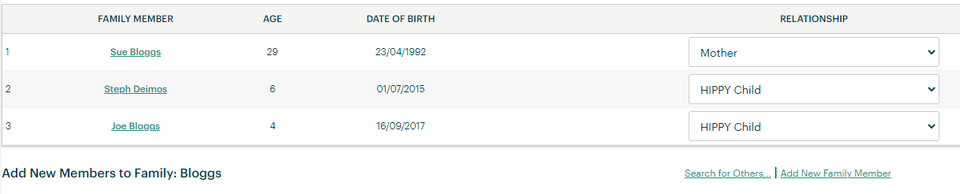
Click Add New Family Member underneath the table showing all of the existing family members.
Choose Click to Add Family Member by Family Relationship. Select the family relationship of the participant from the drop-down list.
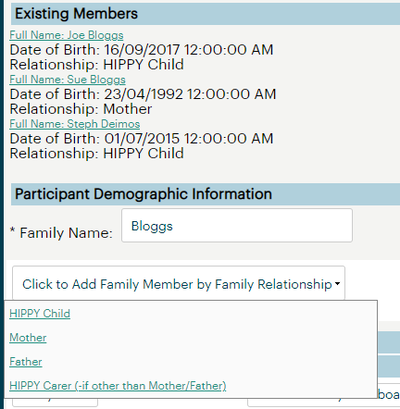
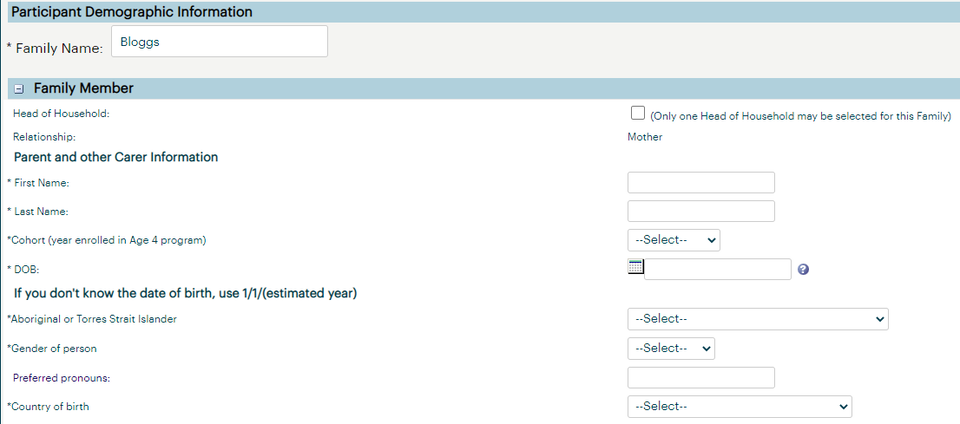
Fill in the fields using the information on the enrolment form. Note that if the participant you are adding is a HIPPY child, you will need to make sure you have scanned the acknowledgement form (last page of enrolment form) so that you can save the changes.
Was this article helpful?
That’s Great!
Thank you for your feedback
Sorry! We couldn't be helpful
Thank you for your feedback
Feedback sent
We appreciate your effort and will try to fix the article