This form collects data on staff departures and outcomes data related to work and study.
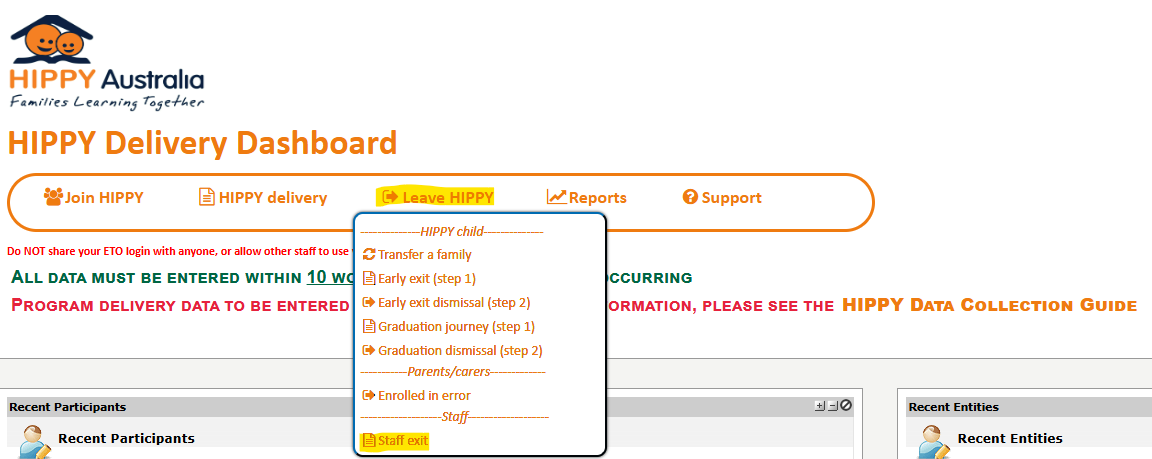
Submit via the HIPPY Delivery Dashboard menu, select Leave HIPPY > Staff exit.
Once the form is submitted, ETO Support is notified to disable the staff member’s account.
Was this article helpful?
That’s Great!
Thank you for your feedback
Sorry! We couldn't be helpful
Thank you for your feedback
Feedback sent
We appreciate your effort and will try to fix the article