Note: The filename of the privacy acknowledgement must not contain any spaces or special characters (e.g. ?, &, (, %)
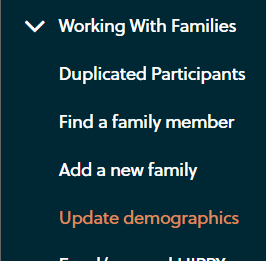
In the side bar on the left, select Update Demographics under the Working with Families tab.
Enter a participant's name, or part thereof, into the search and select the name from the search
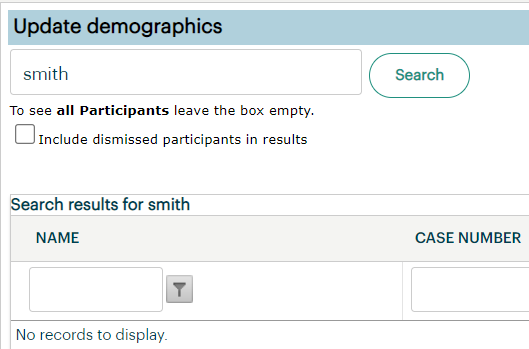
This will bring up their Demographics and you can upload the acknowledgement here.
If this functionality is not available to you, or you have trouble navigating this, you can feel free to send the acknowledgement through to ETO Support via email or online portal and we can upload for you.
Was this article helpful?
That’s Great!
Thank you for your feedback
Sorry! We couldn't be helpful
Thank you for your feedback
Feedback sent
We appreciate your effort and will try to fix the article